In this guide: 4 parts
It's the fastest way to create a flow: you talk, Teczal builds the steps and you decide.
1. Start talking
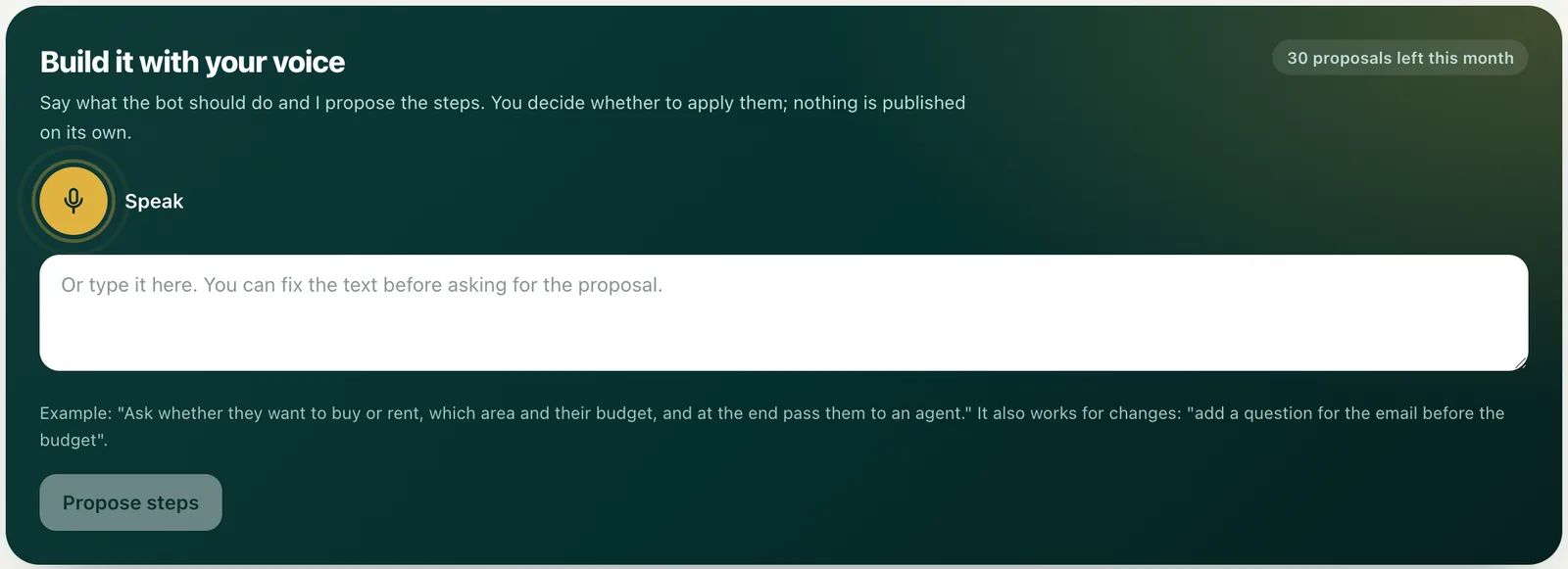
In Bot flows, in the Create with my voice box, tap Start talking. A draft is created and Build it with your voice opens.
2. Tell it what you want
Tap Speak (the browser asks for permission to use the microphone the first time) and tell it what the bot should do. For example: "I want it to say hello, ask what furniture they're looking for: living room, dining room or kitchen; then what area they live in, and at the end hand them over to a salesperson". Tap Stop when you're done.
Teczal writes down what you said. You can fix the text before moving on, or type it directly if you'd rather not talk.
3. Review the proposal
Tap Propose steps. You see What changes and How the flow would look. If you like it, tap Apply to the draft; if not, tap Discard and try again. Nothing gets published on its own.
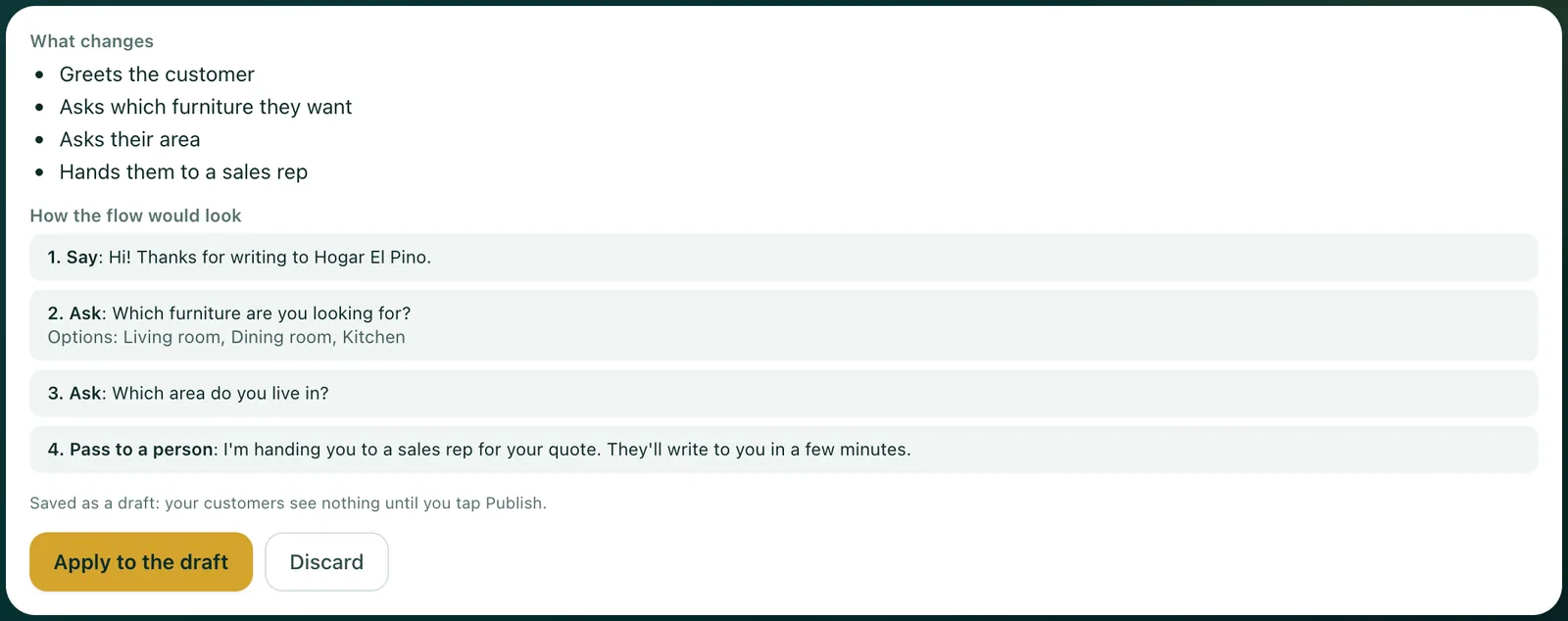
It also works for changing a flow you already have: "add a question asking for their email before the quote".
4. Test it and publish it
In Test and publish, answer as your customer in Write as your customer to see it working. When it's just the way you want, tap Publish.
To adjust a step by hand, continue with Create a bot flow that qualifies your customers.